
OVERCHESS Tools Hub
Practical checkers for a 2026 Steam strategy demo — specs, wishlist, and store features.
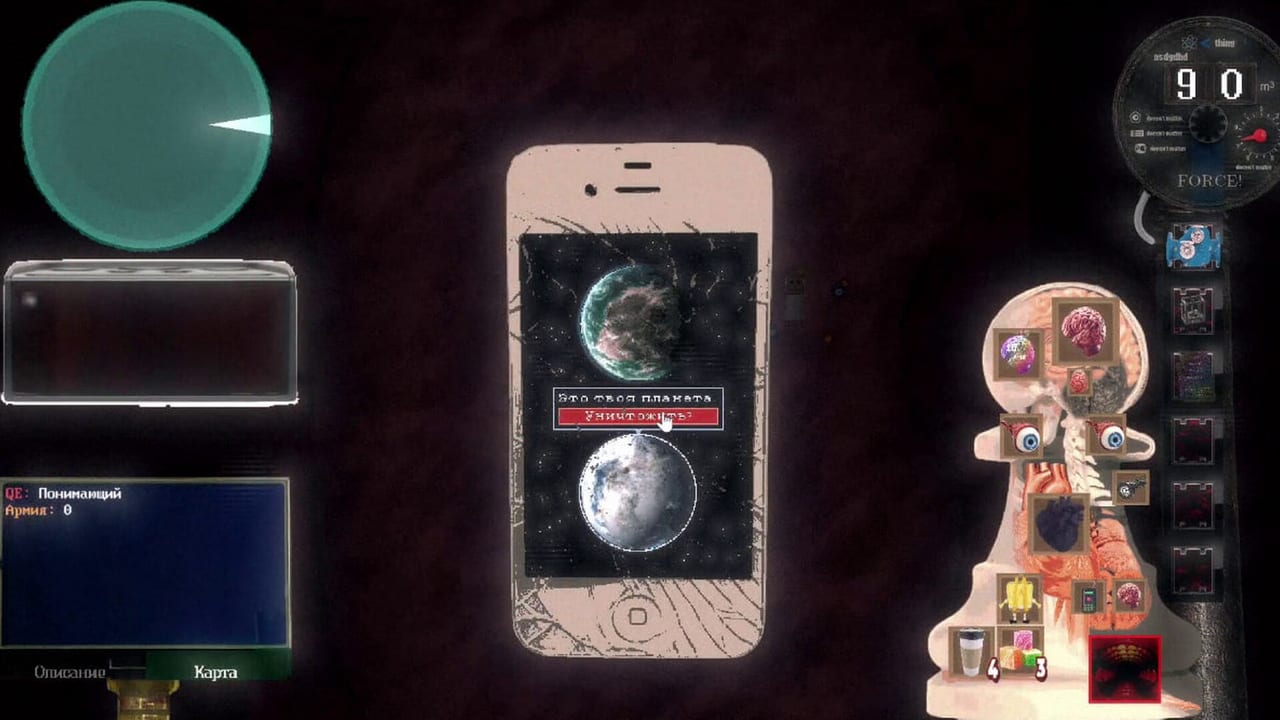
The Tools Hub collects practical, non-guide utilities for OVERCHESS players: can your PC run it, how do you wishlist and read Steam feature badges, where is the demo, and what should you verify before a long session in a slightly unfair chess dimension. OVERCHESS is a Windows / Steam single-player title from ktotakops. There is no web save editor here, no invented code redeemer, and no Roblox-style script tool — those do not apply.
Start here: system requirements
The flagship hardware page is OVERCHESS System Requirements. It mirrors the official Steam PC block (minimum and recommended), calls out Windows-only positioning, and explains how to read DirectX 12 and 2 GB storage lines without panic. Open that page before you blame “quantum fluctuation” for a crash on under-spec RAM.
Wishlist, Achievements, and store features
For Steam account actions and feature literacy, open Wishlist & Achievements. That child page covers wishlisting app 4615580, installing demo 5606670, the public Steam Achievements and Family Sharing feature badges (without inventing achievement names), Steam Deck Unknown status, notification hygiene, and why third-party “~3k wishlist” estimates are approximate only.
What else belongs in Tools
As the 2026 full game approaches, this hub can grow with:
- Graphics preset cheat-sheets tied to real Steam settings once they exist
- Deeper demo vs full-app install checklists (app 5606670 vs 4615580)
- Accessibility or language toggles if Steam exposes them in a stable UI
- Performance notes for low-end GT 630 / HD 4000 class hardware after community testing
Until those are verified, we keep the hub honest rather than filling it with fake calculators or fake achievement encyclopedias.
How Tools differs from Guides
- Tools answer “can I / should I launch?” with specs and checklists.
- Guides answer “how do I play / build / finish?” — see Guides Hub, Getting Started, How to Play, Demo Guide, and Build Your Army.
- Updates answer “what changed?” — see Updates and News & Timeline.
- Tier List answers “what should I pay attention to?” — see Piece Tier List.
Demo readiness checklist (tooling angle)
- Confirm OS is 64-bit Windows 10+ (11 preferred per recommended line).
- Compare your CPU/GPU/RAM to the tables on system requirements.
- Free at least 2000 MB plus scratch space for Steam downloads.
- Install the demo only from Steam’s official demo button.
- Wishlist the full app so launch-day tooling updates are easier to notice.
- Keep Official Links handy for Discord/X if the client misbehaves.
Editorial standards
- Copy Steam requirement strings carefully; do not “round up” GPUs into modern cards the store never named.
- Mark community performance anecdotes as unverified until repeated.
- Never attach malware-adjacent “FPS unlockers” or cracked depots.
- Keep internal links locale-agnostic with trailing slashes.
Suggested next clicks
- System Requirements — official min/rec tables
- Wishlist & Achievements — wishlist CTA, Achievements / Family Sharing badges, Deck Unknown
- Demo Guide — what to do after it launches
- Updates Hub — watch for Steam news that changes specs
- Official Links — Steam, Discord, X, YouTube
This hub will stay boring until the game gives us more knobs. Boring is correct for tools.
Frequently Asked Questions
Quick answers about OVERCHESS, the demo, and this wiki.
Is there an OVERCHESS codes tool?
No. The game has not published a redeemable codes program for this wiki to track. Do not download third-party ‘code generators.’
Which tool should I open first?
System Requirements for hardware, then Wishlist & Achievements for Steam app IDs, feature badges, and notification setup before installing the demo or full game.
Do you host save editors?
No. Tools here are informational checklists tied to official Steam data, not binary editors.
Where do I go after I pass the specs check?
Install from Steam, then follow the Demo Guide or Getting Started under Guides. Use Updates for news, not for FPS myths.